Join With Us (Colleges & Schools) Advertise With Us Faculty Tutorial & Guide Hall of Fame & Shoutouts FAQ & Info Help Center Support
Academic Quiz & Examination Suite

Empowering Learning with Smart Assessments

Acadova delivers precision timed quizzes, instant performance reports, automated grading, and live scoreboards across Windows Desktop and Android Mobile devices.

773+

Enrolled Students

6+

Quizzes Published

627+

Completed Tests
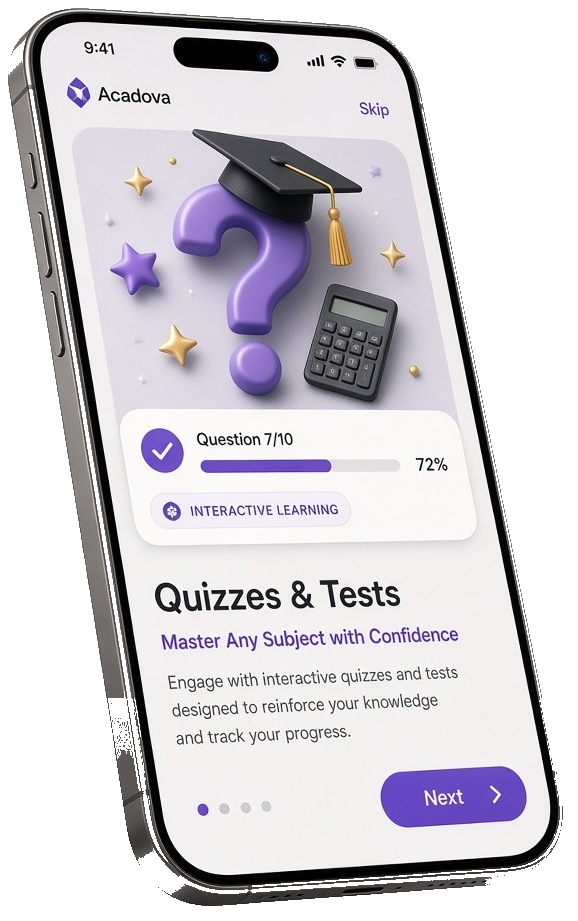
Acadova Quizzes and Live Tests
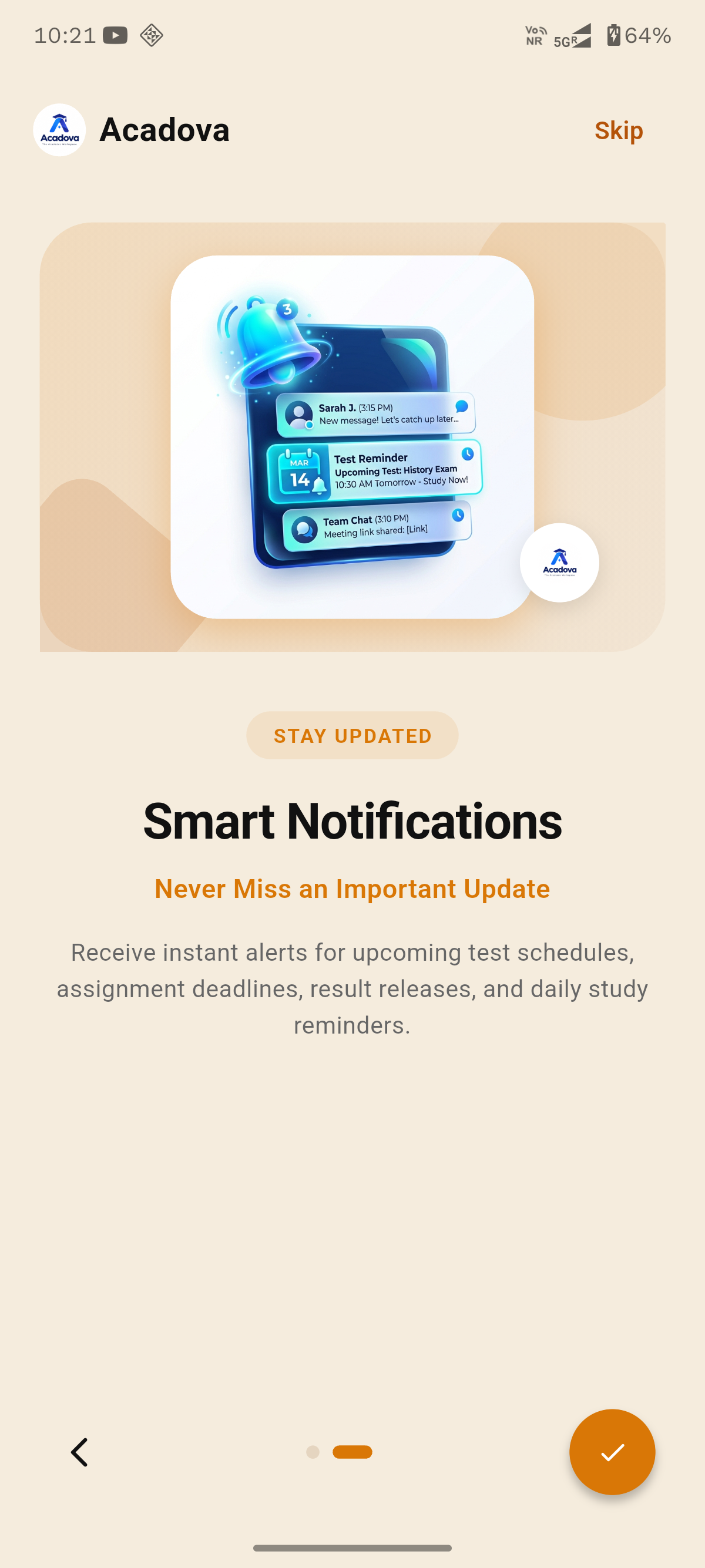
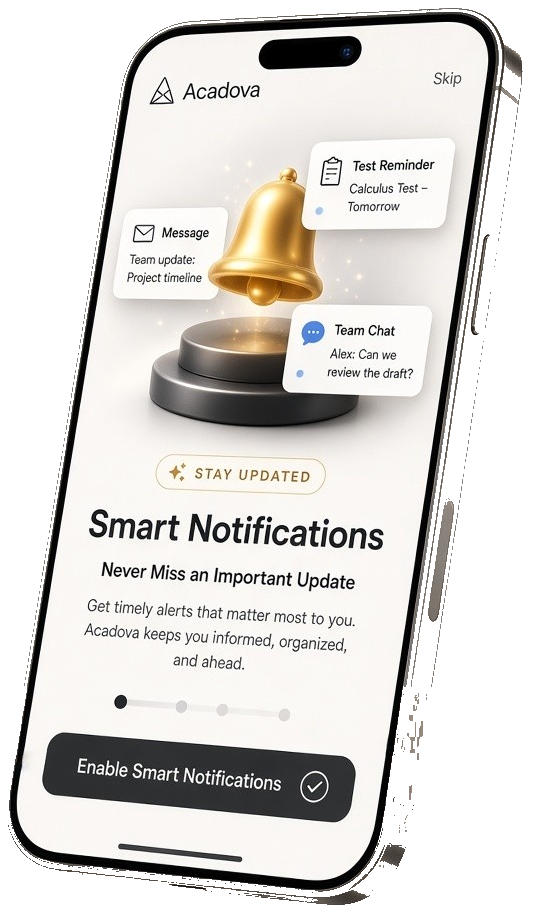
Acadova Smart Push Notifications
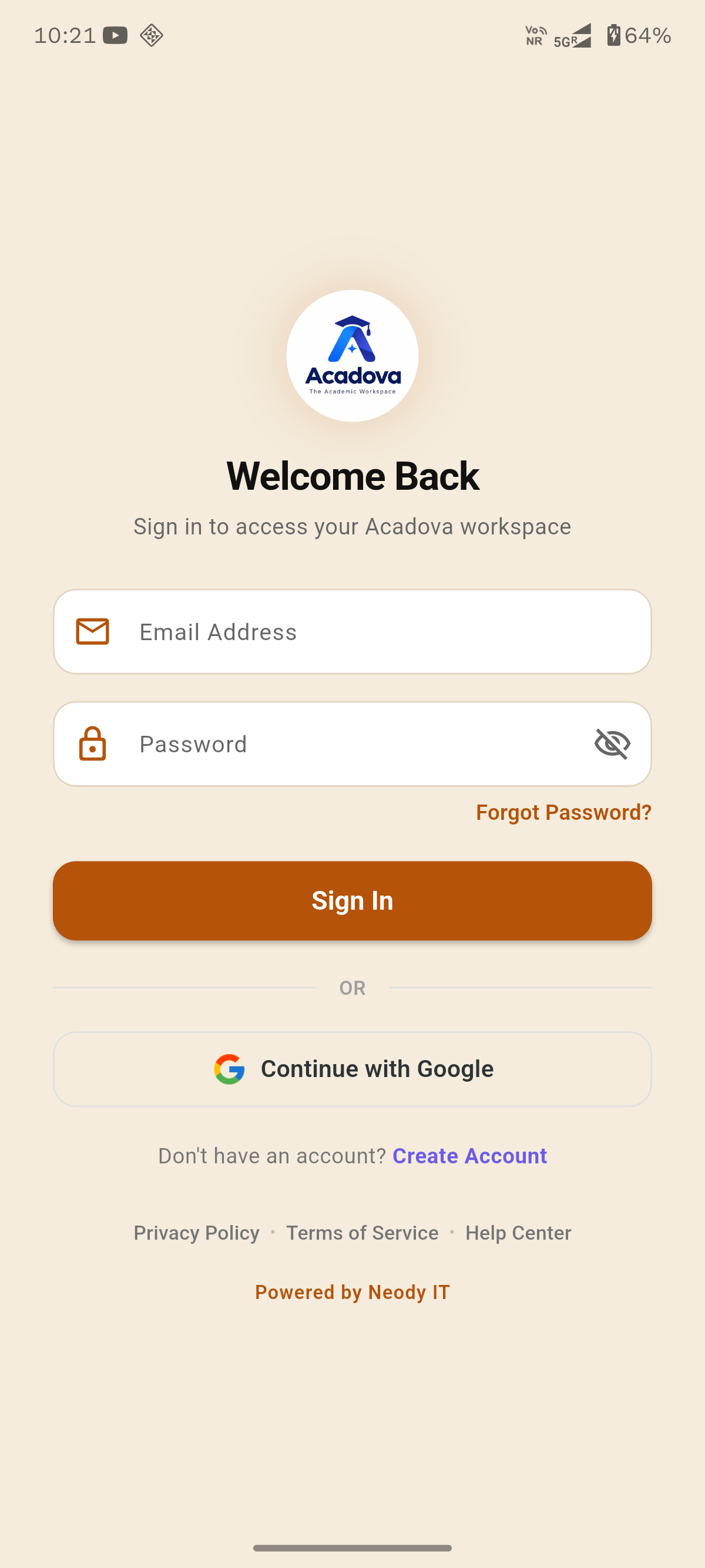
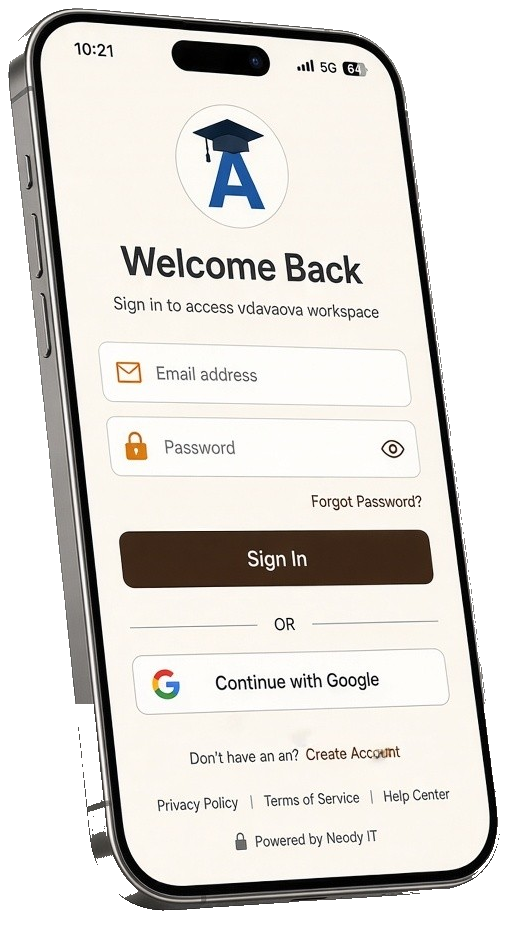
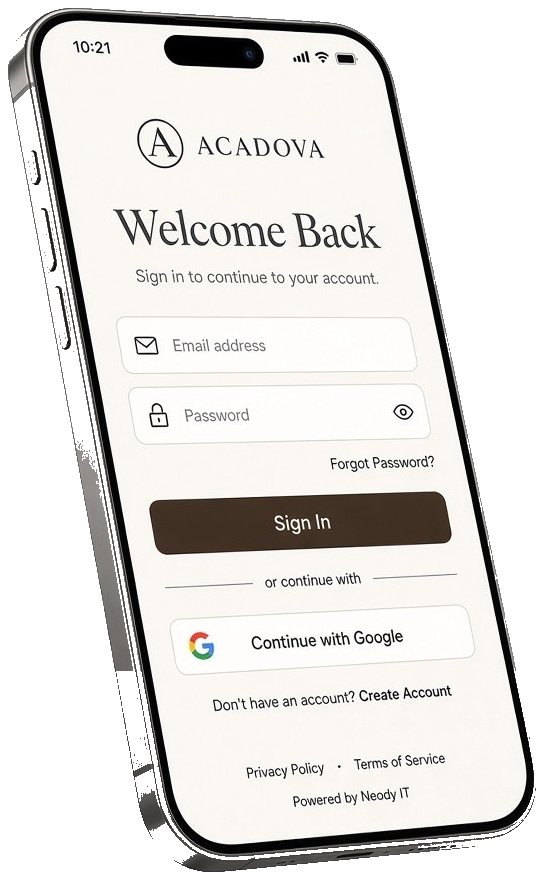
Acadova Login and Welcome
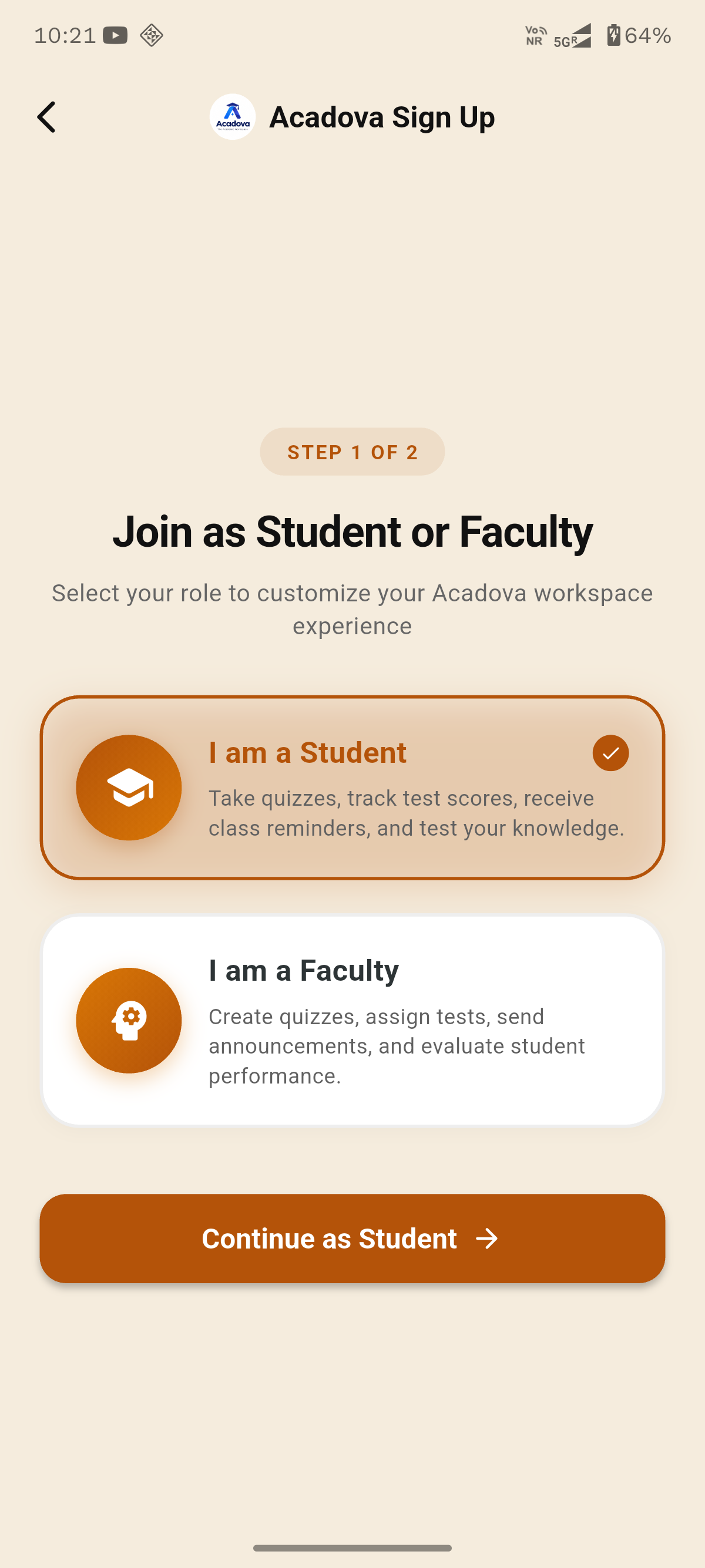
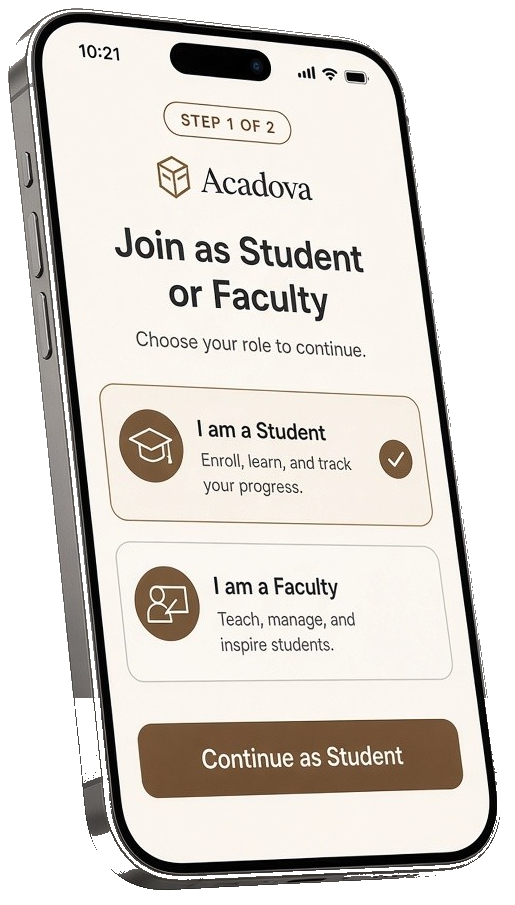
Acadova Student and Faculty Hub
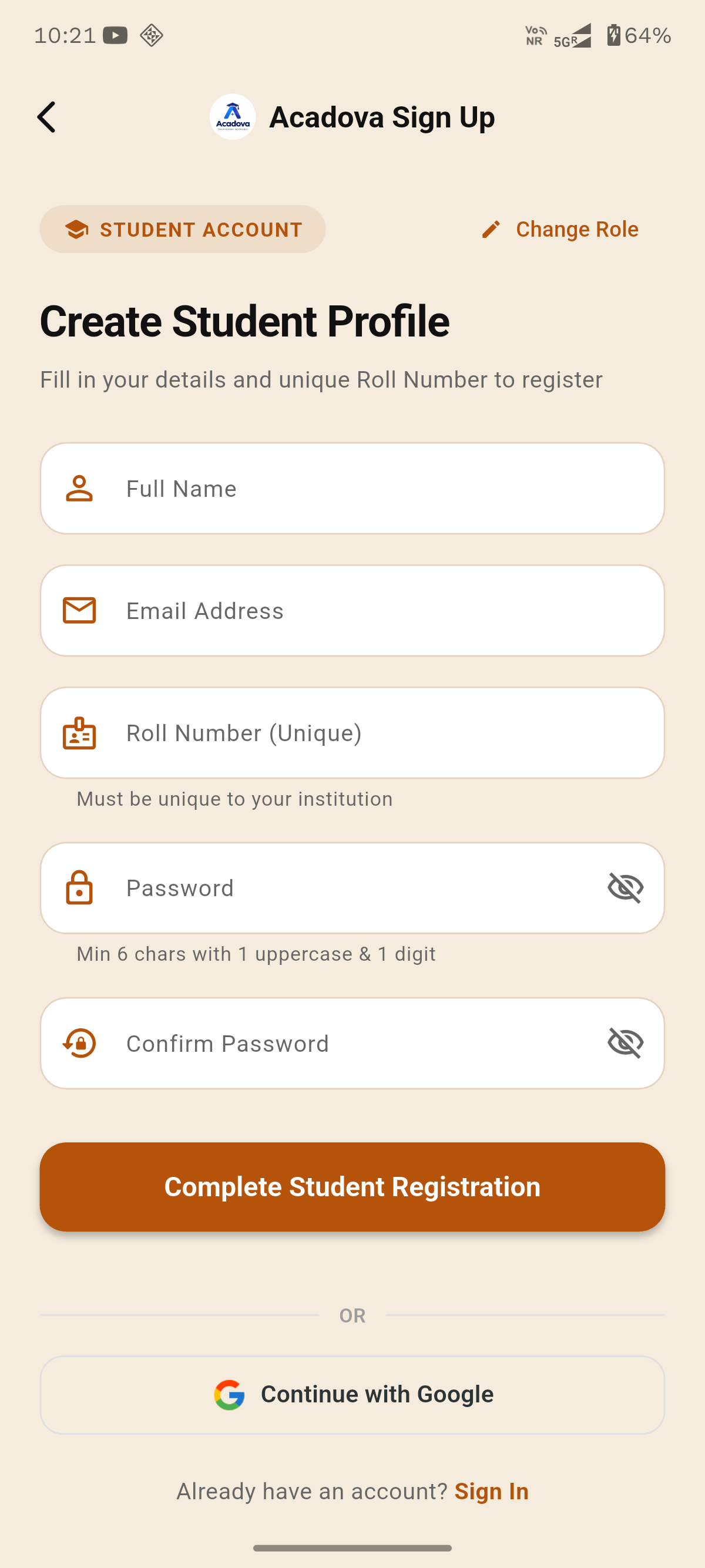
Acadova Student Profile & Performance
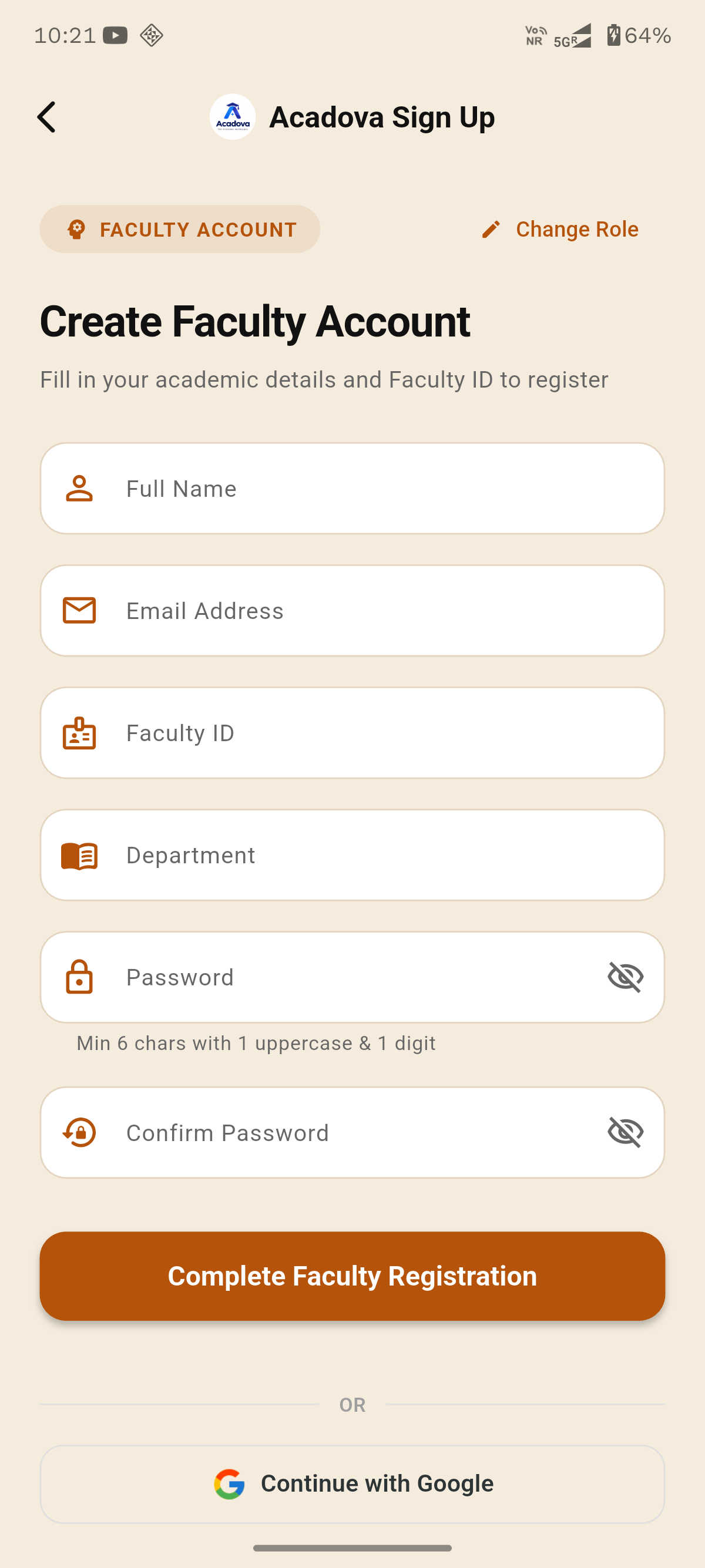
Acadova Faculty Registration
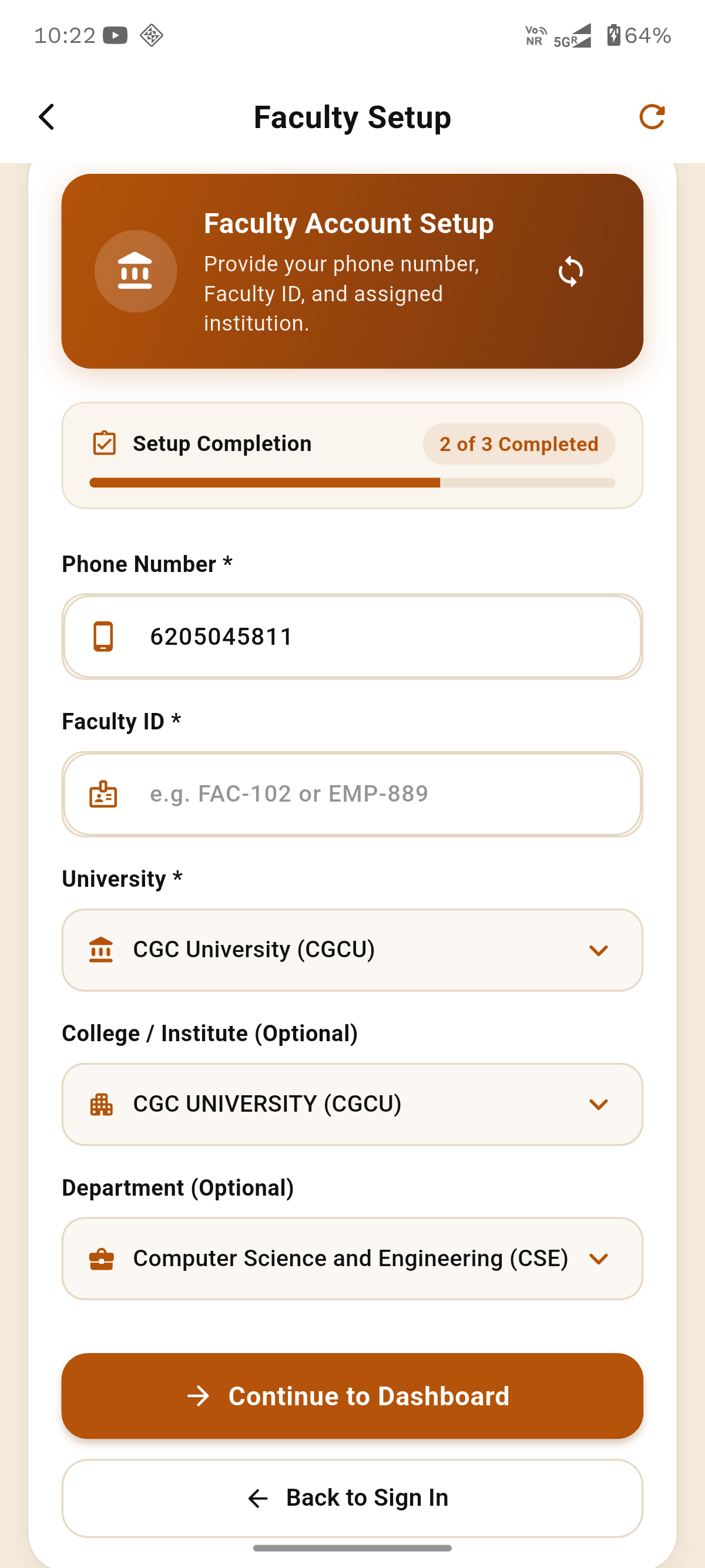
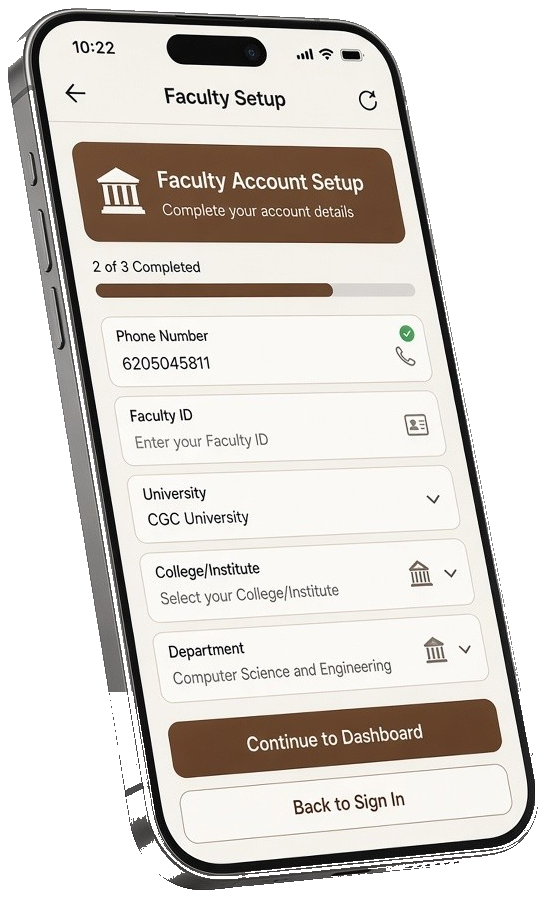
Acadova Examination Portal Setup

Available Anywhere You Learn

Get Acadova natively on your desktop PC or mobile device to participate in assessments and view your scores in real-time.

macOS App (.zip)

Native macOS application package (v1.0.3) compressed archive for Apple Mac computers.

  • Apple Silicon & Intel Universal
  • Native macOS Dark Mode Support
  • Retina High-DPI Rendering
Download macOS Zip

Google Play Store

Official Google Play Store listing. Instant installation and automatic updates on Android mobile devices.

  • Automatic Background Updates
  • Google Play Protect Verified
  • Real-time Push Exam Alerts
Get on Google Play

Microsoft Store

Official Windows App Store listing. Instant installation and automatic desktop updates on Windows 10/11.

  • Sandboxed MSIX Security
  • One-Click Silent Background Sync
  • Windows 10 & 11 Certified
Get from Microsoft Store

Experience Acadova On The Go

The official Acadova Mobile App provides real-time exam notifications, countdown timers, offline question caching, and instant scorecard generation right on your smartphone.

Instant Push Notifications

Get notified as soon as new departmental tests and campus contests go live.

Offline-Resilient Test Engine

Answers are saved securely locally if your data connection drops during an active exam.

Live Leaderboard Rankings

View your campus percentile ranking and subject accuracy analytics immediately.

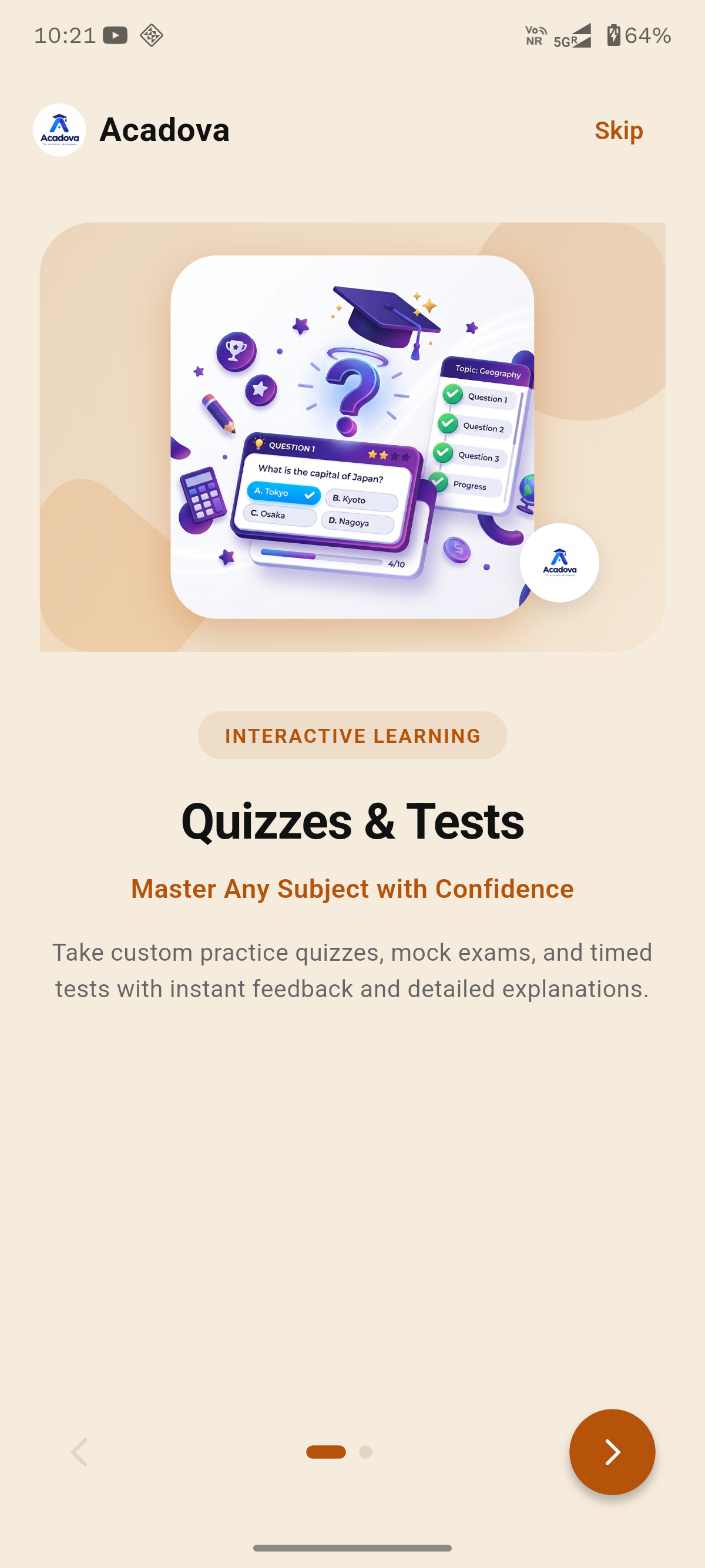
Acadova Quizzes & Tests
Acadova Smart Notifications
Acadova Welcome & Login
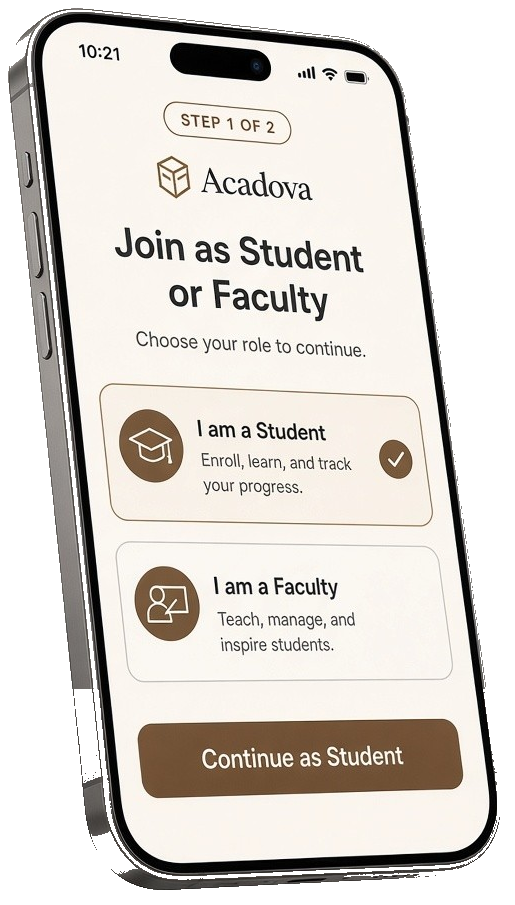
Acadova Student / Faculty Selection
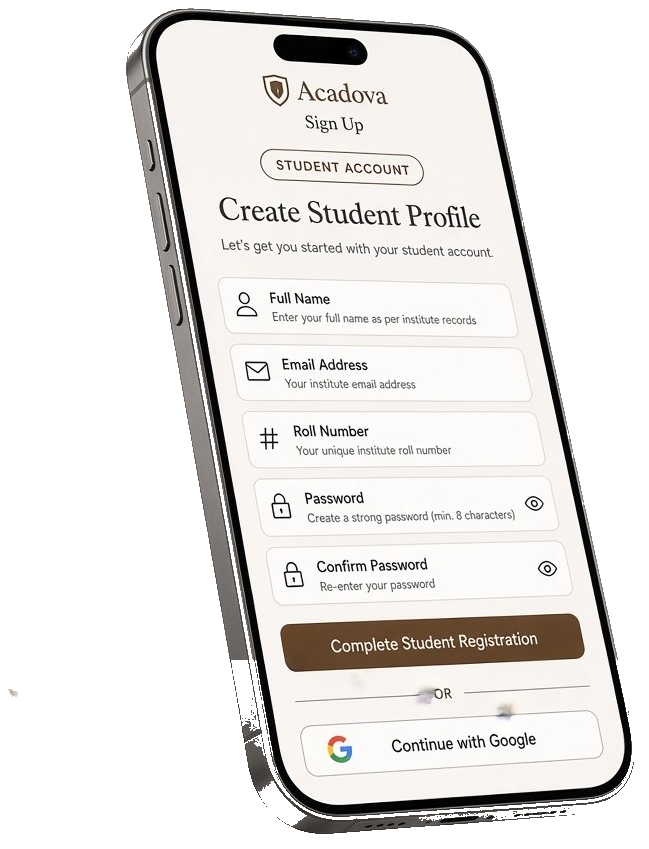
Acadova Student Profile Setup
Acadova Faculty Registration
Acadova Faculty Setup Portal

Unified Academic Examination Suite

Engineered for institutional computer laboratories, proctored university halls, and high-frequency student assessments.

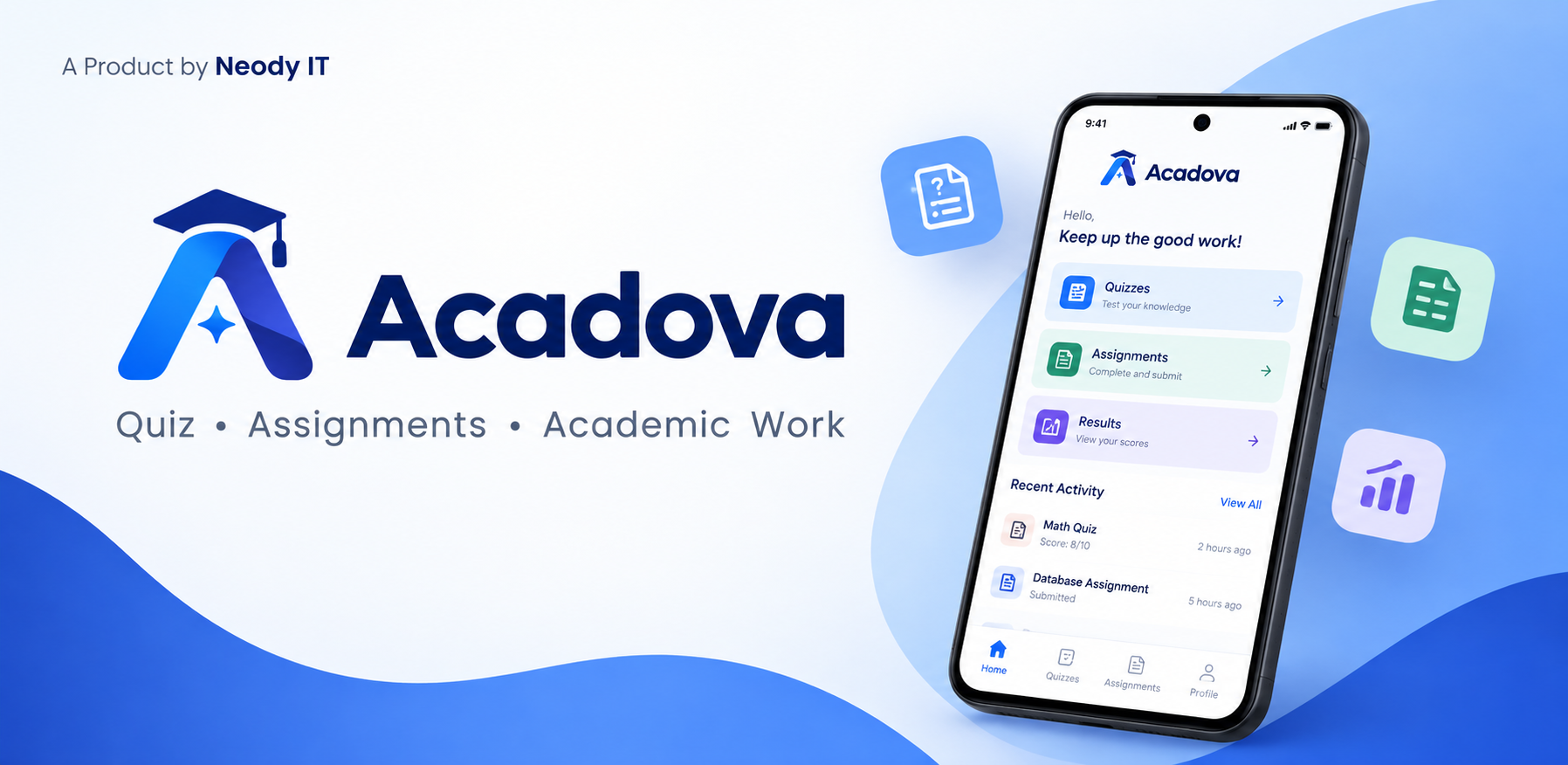
Acadova Desktop & Campus Platform Banner

Seamless 3-Step Assessment Lifecycle

From department-scoped exam scheduling to instant automated scoring and campus leaderboards.

01

1. Select Scope & Join

Choose your academic department, major, and semester. Enter live scheduled tests or active campus hackathon quizzes with one click.

02

2. Take Timed Assessment

Complete tests within strict anti-cheat timers. Benefit from auto-save recovery and sub-second question transitions on Desktop or Mobile.

03

3. Instant Telemetry & Rank

Submissions are auto-graded instantly. Review question keys, topic mastery analytics, and climb the live campus leaderboard.

Designed for Modern Academics

Intelligent features built to streamline exam management for teachers and study evaluation for students.

Exam Engine

Timed Assessments

Sub-second configurable quiz timers, auto-submission algorithms, and strict per-question limits.

Auto-Submit Anti-Cheat
Rankings

Live Leaderboards

Real-time campus-wide rankings, percentile statistics, and subject accuracy milestones.

Real-time Ranks Percentile
Telemetry

Instant Score Breakdown

Immediate detailed score explanations, correct keys, and comprehensive topic mastery statistics.

Mastery Stats Answer Keys
Cloud State

Multi-Device Sync

Seamless state synchronization across Android App, Windows Desktop, and Cloud Backend.

Windows PC Android APK
Taxonomy

Department Filtering

Categorized assessments tailored to specific academic departments, majors, and semesters.

Major Scoped Semesters
Broadcast

Campus Notice Alerts

Broadcast critical updates, competition announcements, and upcoming examination schedules.

Push Alerts Instant Notice
Automation

Instant Auto-Grading

Zero manual grading effort. High-speed evaluators process thousands of submissions concurrently with zero latency.

Real-time Evaluation 100% Accuracy
Curriculum

Question Bank & Taxonomy

Organize assessments by subjects, modules, difficulty tiers, and academic departments with bulk CSV import tools.

Bulk Uploads Tag Matrix
Proctoring

Strict Proctoring Controls

Randomized question ordering, per-student answer option shuffling, tab-switch monitoring, and fullscreen lockouts.

Dynamic Shuffling Kiosk Ready
Intelligence

Cohort Analytics & Insights

Detailed bell-curve score distribution, hardest question metrics, topic retention gaps, and downloadable PDF reports.

Export Reports Retention Gaps
Dispatch

Departmental Dispatcher

Send instant announcements, test schedules, and exam updates targeted by branch, year, or individual course cohorts.

Cohort Target Instant Push
Administration

Secure Faculty Management

Role-based access permissions, audit logs, and unified institutional credentials for faculty members and invigilators.

RBAC Security Invigilator Role

Everything You Need to Know

How do I install Acadova on my Windows PC?
Simply click the "Download Windows Setup (.exe)" button above to download `Acadova_installer.exe`. Double-click the file and follow the setup wizard to install the application on your computer.
Are my quiz scores saved automatically?
Yes! Acadova features real-time automated score calculations. Immediately upon submitting a quiz, students receive their total mark, accuracy percentage, and complete question feedback.
Can I take quizzes on my mobile phone?
Absolutely! You can download the official Acadova Mobile App directly from the Google Play Store on any Android smartphone or tablet.